You know WordPress comes with standart functions and we use many plugins or codes to give our blog a different look or functions.Of course we have to use these kind of plugins and hacks if we definetely need them.For a beginner the WordPress Codex is the best place to learn basic things but day by day as we improve ourselves in WordPress we look around for more functional codes.Today i want to share some WordPress Hacks and Tutorials which i’ve collected from many WordPress related blogs.I’m sure you will see many interesting hacks and will use them.
Notice:Don’t use them directly,i mean first back-up your database and files or just try in a test blog like me.So take no risk.If you need help about these hacks or tutorials just leave a comment in the original hack page.
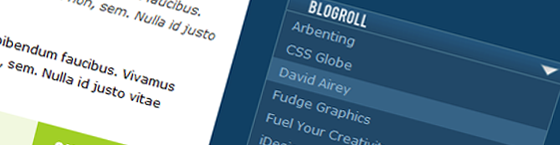
1.How To Create A Beautiful Dropdown Blogroll Without Javascript
If you want to give a different look to your Dropdown Menu you can do it without Javascript.The result is really good.
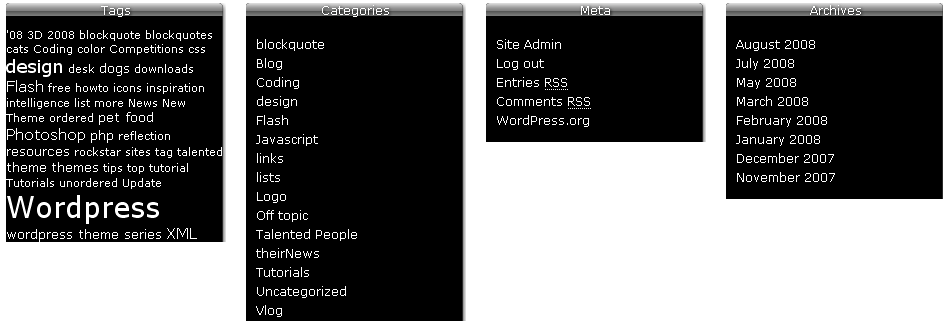
2.Don’t Ignore Your WordPress Footer
Some blogger prefer using footers and not all the themes have footers.So if you want your blog with a footer follow these steps.
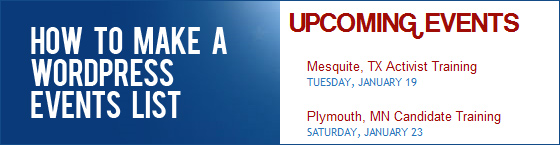
3.How To Make An UpComing Event List
If you write a few posts in the same day or if you want to publish some upcoming events from other blogs you can easily do this by this hack.Just try it.You will love it.
4.How to Use Pages In a Horizontal Navigation Bar
Some page navigations are in the side bar and if you want to use them horizantally just follow this hack.

5.How To Extend the User Contact Info In WordPress 2.9
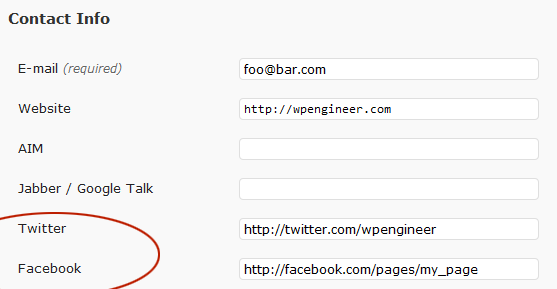
I don’t know if you need this kind of hack but i wanted to put in the list.With this hack you extend the user contact info and add for example Twitter or Facebook contact infos.
6.How To Add Tabs To Your Blog Sidebar
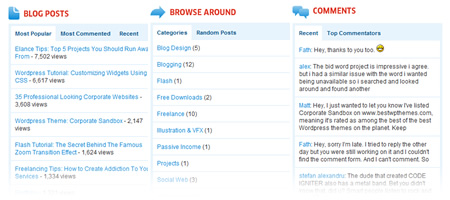
If you don’t want your blog posts list or recent comments list vertically you can use this hack to make it as in the image.It is a really great tab style in your sidebar.
7.How To Create Rounded Corner Tab Menu Using CSS
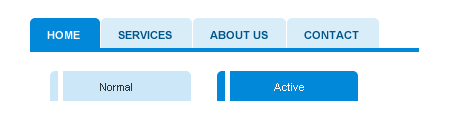
This CSS hack gives a different look to your Tab Menu.If you want a rounded corner tab then you can do it as seen in the image.
8.How To Highlight The Category When On A Single Post
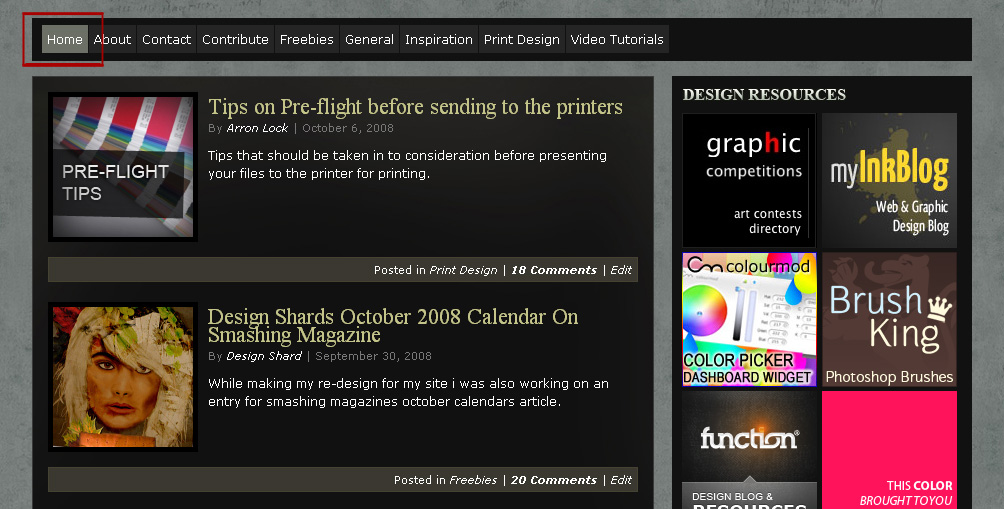
When the user clicks on a single post,the post’s category is highlighted with this hack.A really cool hack.I like it.
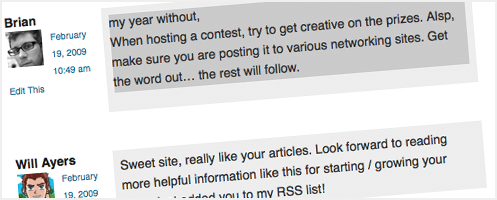
9.How to Highlight Author Comments In WordPress
When the author of the blog comments to any post then that comment box is highlighted and so your comment is easily separated from visitor’s comments.This is good if you answer your visitor’s comments so much.
10.How To Add ”Print This” Button In Your Posts
When you use this hack your visitors can print the post with one click.Interesting hack.Like it.
11.How To Modify Your WordPress RSS Feed
RSS Feed must be modified as well, otherwise it will display every post in each category.This hack is for excluding the categories in the feed.

12.How To Display Content In Multiple Columns
If you want to display posts in 2 columns then you can use this hack.It is a little bit hard hack but this will help while coding a wordpress theme.

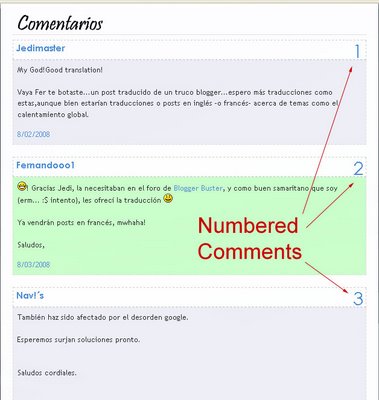
13.How To Number Your Comments
This is a really cool hack.Ok,it is not a must but if you want to number the comments in any post as in the below image you can use this hack.
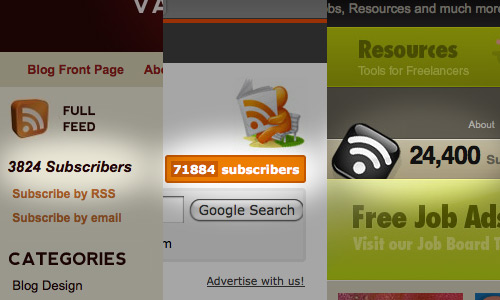
14.How To Display Your Feedburner Count In Full Text
Normally you can use the feedburner code to display the Feedburner counts i your blogs but i’m sure you see many blogs not using the original counter code but a unique counter like text.If you want to display the Feedburner counter in full text use this hack.
15.How To Add A Line Break Between Sidebar Widgets
If you want to separate your widgets by putting a line between them you can use this hack.
16.How to: Remove the […] From The Excerpt
If you use Excerpt in your posts you see […] instead of ”more” link.This hack removes the […] from your posts.

17.How To Show Blog Content Only To Registered Users
To be honest i don’t know why and which kind of blog you use this hack but i just wanna put in the list.Interesting hack.
18.How To Build a Top Sliding Login Panel
If you use user subscription in your blog and if you want to have a different styled login page you can do it easily.This hack is just what you need for this.

19.How To Display Google Ads In Only First 3 Posts
You know Google Ads are displayed only 3 times in any page and if you show more than 3 posts in your blog then you know the ads are displayed in the first 3 posts and the rest is displayed in blank.In order to show only in the first 3 posts ,use this hack.

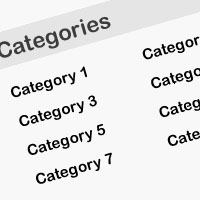
20.How To Display Categories In Two Columns
Mostly categories are displaed in one colum and if you have for example more than 6 categories you can use this hack to display the categories in 2 columns.
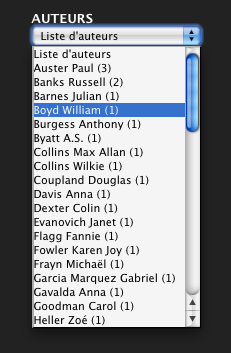
21.How To Display your WordPress Tags in a Drop-Down Menu
You can show your categories as a drop down menu but how about the Tags.Just use this hack to show your tags in drop down menu.
22.How To Detect The Visitor Browser Within WordPress
Do you want to see which browser your visitors use?then this hack is for you.

23.How To Insert Image By File Name
I use some images for icons in multiply posts and I got very sick of looking up image link, inserting it and linking properly every time.Typing shortcode is way faster and more flexible then pre-made snippets(an understanding comment by a visitor)

24.How To Include jQuery in WordPress (The Right Way)
Sometimes people how to include jQuery in wordpress so this tutorial is great if you wanna use jQuery plugins in your blog.
25.How To Create Your Own 4 Column Blog Footer-Html and CSS Included
Great tutorial for creating a 4 column footer.You can do it however you wish.(colors,fonts)
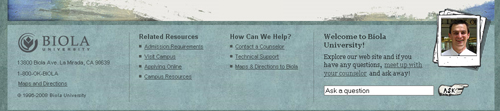
26.How To Insert Author Bio On Each Post
In tha last few years many people write posts for other blogs and of course it is a good way to respect to the writer to insert the Author Bio below the post.You can do it easily with this tutorial

27.How To Show WordPress Post Attachments
If you want to show your attachments in your post you can use this hack.
28.How To Create a Custom Database Error Page in WordPress
If you ant to create your own custom database error page you can use this hack.

29.How To Make Expanding Code Box
Just take a look at the code page and you will understand what the hack is about.

30.How To Redirect WordPress Individual Category Feeds to Feedburner via HTAccess
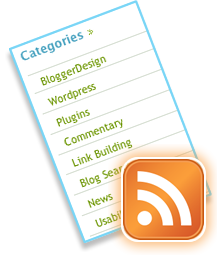
31.How To Make Valid and SEO Friendly E-mail Permalink Buttons
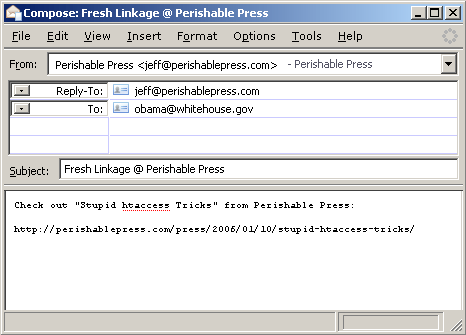
Permalinks are important for Seo and i learnt that it is also important in the e-mails.If a post is sent to an e-mail,the link of the post displays as you see in the bwlow image.Interesting hack.Gonna try it.
32.Simple Ways To Speed Up WordPress
Some bloggers have speed problems so these tricks and hacks help you speed up your wordpress blog.

33.How To Create WordPress Hover Menu
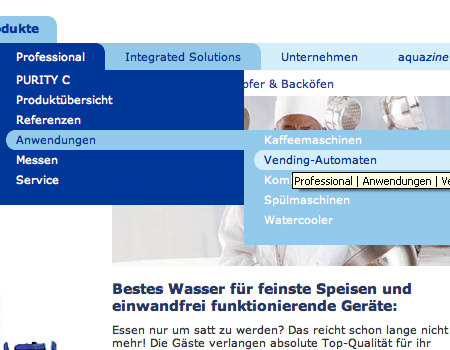
If you want to make a hover menu as in the below this hack is just for your.Follow the steps,you can easily do it.
34.How To Customize Your 404 Error Page
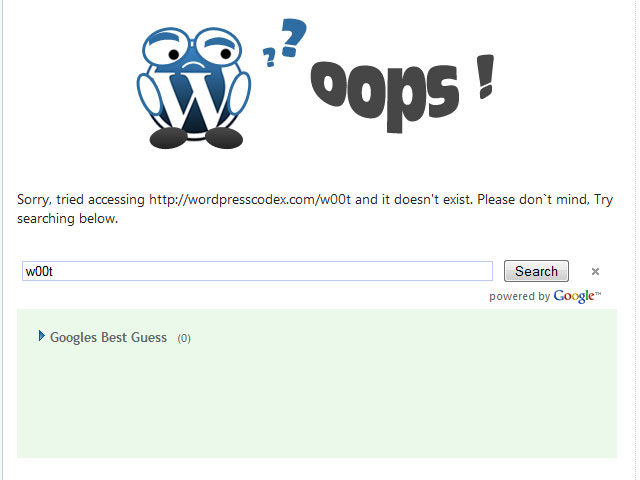
When a typical web surfer finds your blog and is greeted with the lovely 404 page, they will most commonly just click the “Back” button on their browser and continue browsing through the other search results. If your 404 page is setup correctly, you can often retain that traffic by either offering something funny to grab the readers attention or by offering a variety of methods for them to find the post they are looking for.(From the source)
35.How To Replace Date Images To Your WordPress Post
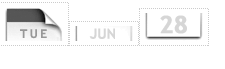
If you want to display the post date in different style you can use this trick.I like it.
36.How To: Separate WordPress Comments and Trackbacks
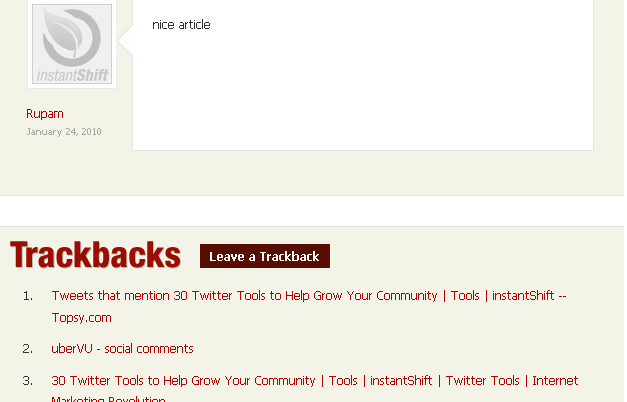
I don’t like when comments and trackbacks are mixed below the post.so if you want to separate them from each other you can use this hack.
37.How To Customize Your WordPress Login Page
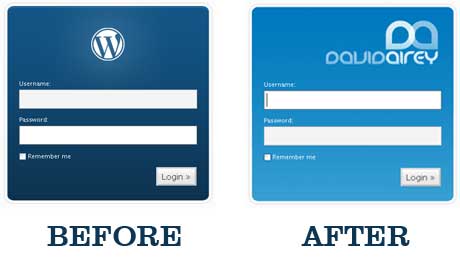
If you use user registration in your blog you can give a different look to your login page with this trick.
If you are looking for guaranteed 642-566 preparation then testking online training is best answer to your problem. Just go through 642-611 questions and answers and pass your 642-631 exam