JavaScript library enabling SVG icons to morph from one to the other. It implements Material Design’s Delightful Details transitions.
Add Script
Simply add the svg-morpheus.js script to your website/application. No other scripts are needed. Both the minified and uncompressed (for development) versions are in the /compile folder.
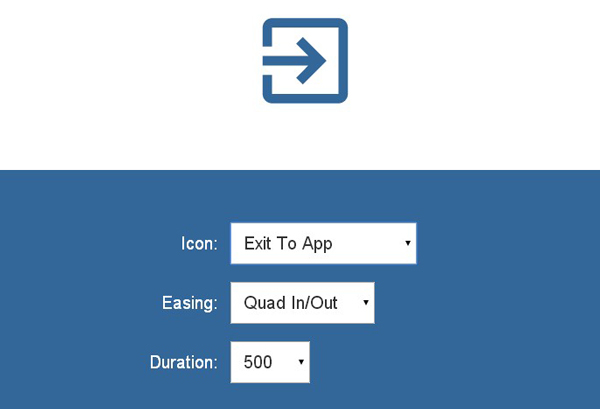
Usage
– Add an icon set SVG to the HTML file where you want to show the morphing icon.
– Create a SVG Morpheus instance for the icon set by calling new SVGMorpheus(element).
[gpp_button color=”blue” url=”http://alexk111.github.io/SVG-Morpheus/” title=”best wordpress themes” icon_left=”external” target=”_blank” size=”medium” display=”inline”]Demo[/gpp_button] [gpp_button color=”blue” url=”https://github.com/alexk111/SVG-Morpheus” title=”wordpress theme” icon_left=”cloud-download” target=”_blank” size=”medium” display=”inline”]GitHub[/gpp_button]