How Browser VPN Technology Helps Designers and Digital Professionals Work More Securely Online
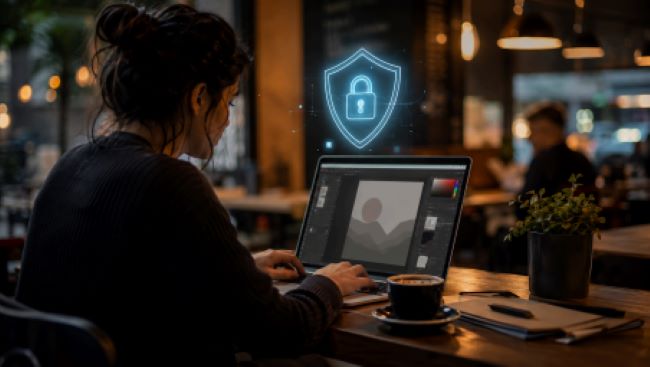
In such a manner, the Chrome VPN becomes an indispensable tool for such activities as well. This is to say that this technology provides an additional layer of protection, ensuring that the transmission of data from one’s computer to Wi-Fi connection via a café, coworking place, or the lounge at the airport is safe. In this regard, it is critical for designers working with client files, cloud drives, and designing software to get acquainted with security features of this technology. While for the office workers it is enough to benefit from secure IT-managed networks and firewall protection, freelancers have to make sure about their security themselves.
What Is Online Privacy for Creative Professionals?
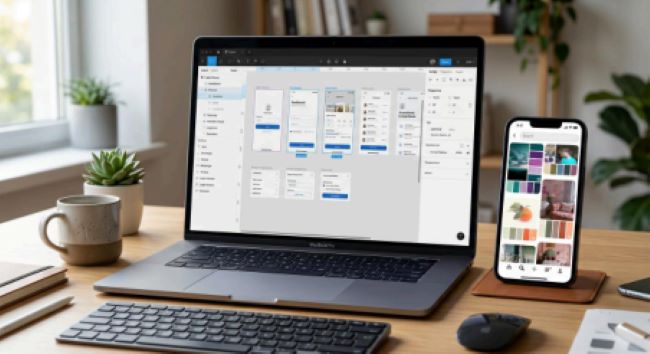
However, what does privacy mean to those people who use a laptop bag as a desk? The online privacy of the designer is not only concealing his or her browsing history. Privacy for the designer means securing client contracts, confidential information, unfinished projects, and accounts in online designing services such as Figma, Adobe Creative Cloud, or even clients’ CMS backends which travel through networks that are not managed by the designer.
Why Designers Are Prime Targets on Public Wi-Fi
There is one type of danger specific to design and engineering professionals that often goes overlooked during generic cybersecurity advice: theft of intellectual property. Intellectual property like CAD files, manufacturing plans, and designs shared over public Wi-Fi networks becomes accessible to everyone who connects to these networks, as it is common practice to conduct industrial espionage through hacking into hotspots. In a study performed by Beyond Identity and reported on by such websites as TechRadar, 18 percent of remote workers experienced data theft in co-working spaces – precisely where designers spend time meeting their customers.
Tools marketed as AI VPN solutions are increasingly built to address this gap directly, pairing encrypted connections with automated detection of suspicious network behavior — flagging things like fake “evil twin” hotspots before a designer unknowingly connects to one. That kind of automated flagging matters because manually spotting a fake network is genuinely difficult: an evil twin hotspot can broadcast the exact same name as a café’s legitimate Wi-Fi, with no visual difference in the connection list on a laptop or phone.
How to Protect Your Online Privacy When Working From Cafés and Coworking Spaces
How you can protect your privacy when it comes to these types of settings boils down to just a few practices instead of costly solutions. What government cybersecurity practices advise always boils down to a few things: check whether the right name of the network matches the one provided by the employees, avoid using any networks without passwords, and stop thinking that the use of passwords ensures that your traffic is encrypted automatically. A hacker can create an evil twin access point, which will have a similar name of the official network.
Apart from that, you should turn on the use of a VPN prior to entering the network, use up-to-date software, and apply two-factor authentication in design platforms and clients’ portals.
Best Online Privacy Tools for Designers
Beyond a VPN, a handful of online privacy tools consistently show up in recommendations for creative professionals: password managers to avoid credential reuse across the dozens of client platforms most designers juggle, browser extensions that enforce HTTPS connections by default, and cloud storage services with end-to-end encryption for sensitive project files. Industry security guidance consistently points to the same three points of exposure for remote professionals — file transfer, login, and network connection — which is why the goal isn’t to stack every available tool, but to cover those specific gaps.
Online Privacy Tips Every Digital Professional Should Follow
A few practical online privacy tips apply regardless of which specific tools a designer chooses. Use a personal mobile hotspot instead of public Wi-Fi when handling particularly sensitive client files — it’s a smaller attack surface than a shared network. Separate personal and client-facing accounts wherever platforms allow it. And treat any request for personal information when joining a public network — even something as simple as an email address — with the same skepticism the FTC recommends applying to an unexpected email attachment or unsolicited data request.
Conclusion
To the designers and people in the digital era, security does not become an extra task to do in addition to the others, but becomes an essential part of protecting the same trust of clients for which they have designed. Using a secure Chrome VPN browser and applying some basic processes related to the network check and the account makes up most of the difference between the luxury of having remote access to the office networks and its real threats. This does not require too much money or any kind of technical expertise.